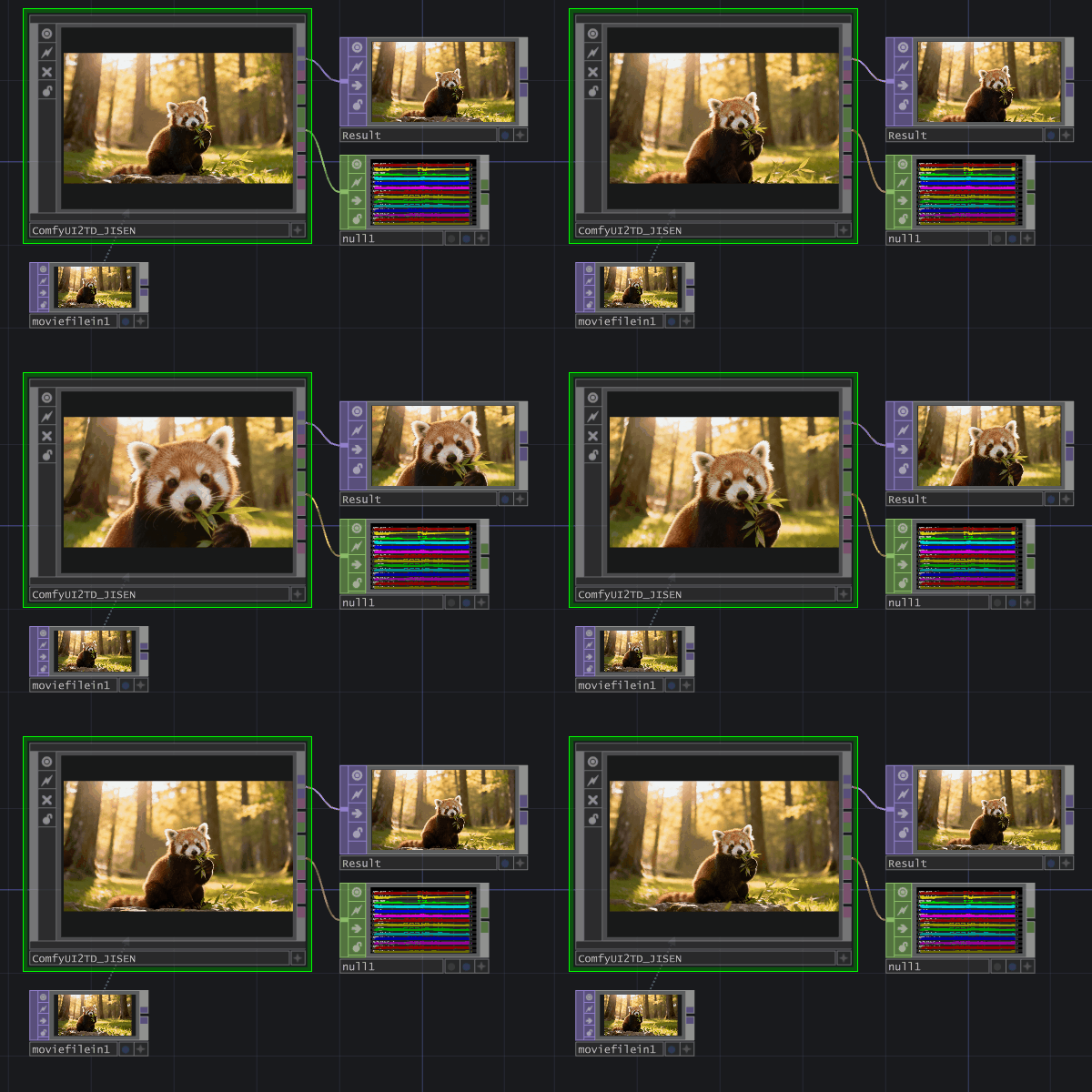
Why people search for ComfyUI-TD
ComfyUI-TD is used for TouchDesigner integration, cloud ComfyUI workflows, WebSocket media streaming, and 3D or Gaussian Splatting previews inside TD.
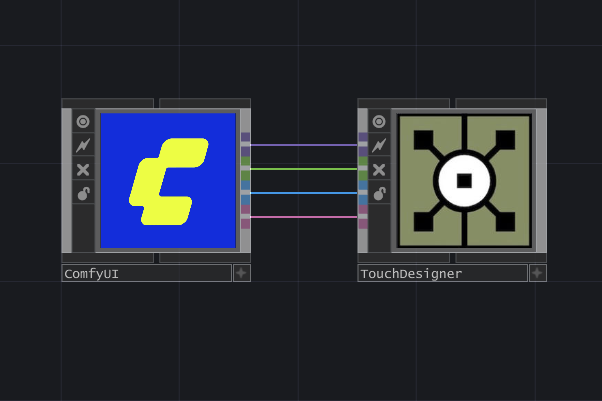
ComfyUI-TD
ComfyUI to TouchDesigner real-time streaming node
ComfyUI-TD connects ComfyUI and TouchDesigner through a more stable WebSocket workflow for images, video, audio, point clouds, and Gaussian Splatting PLY.
The project is built for creators, technical artists, and developers who want a practical bridge between AI generation pipelines and real-time media systems.
ComfyUI-TD is used for TouchDesigner integration, cloud ComfyUI workflows, WebSocket media streaming, and 3D or Gaussian Splatting previews inside TD.
ComfyUI-TD focuses on reliable real-time data transmission from ComfyUI into TouchDesigner.
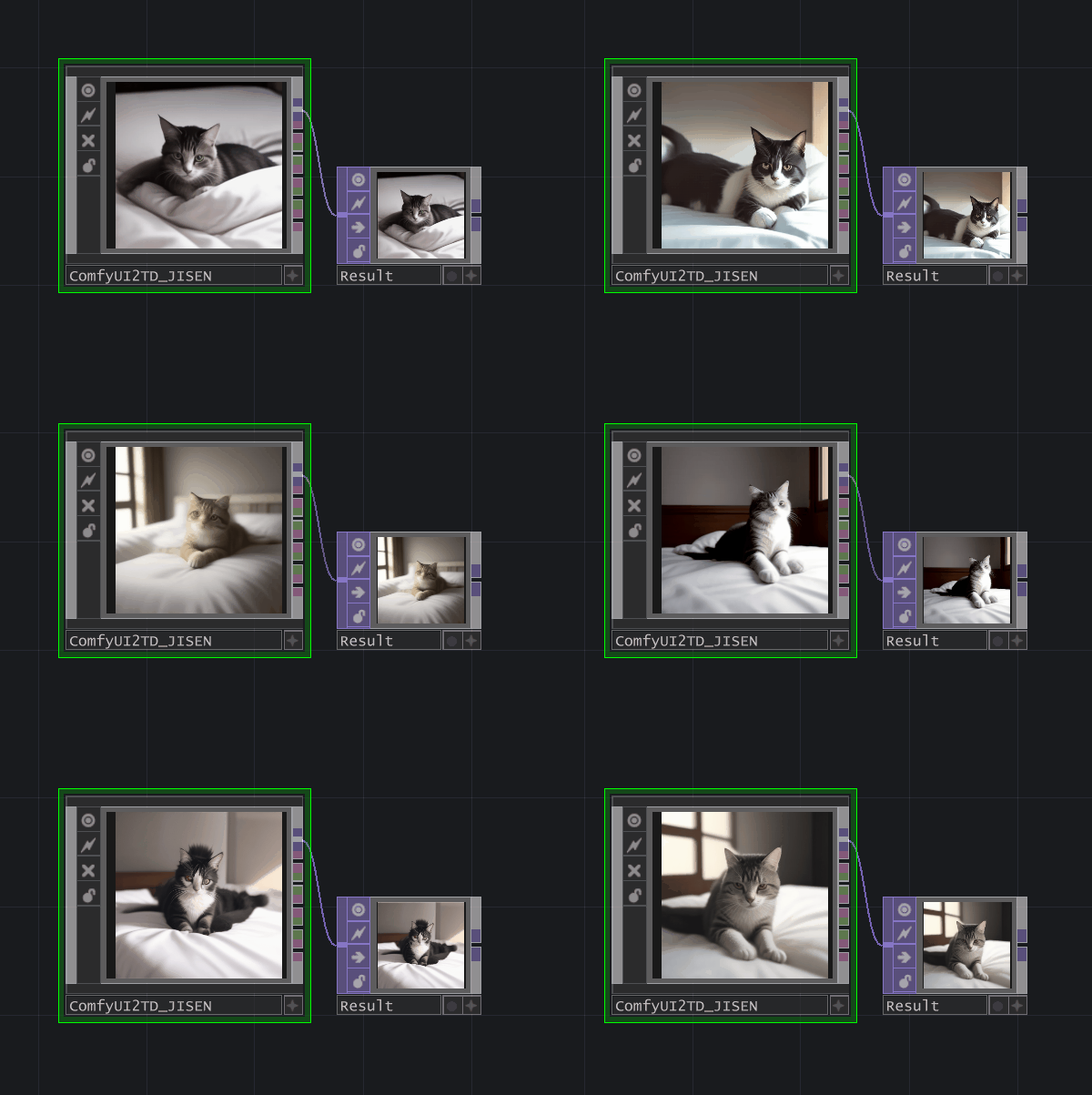
Send generated images to TouchDesigner and parse them into TOP workflows.
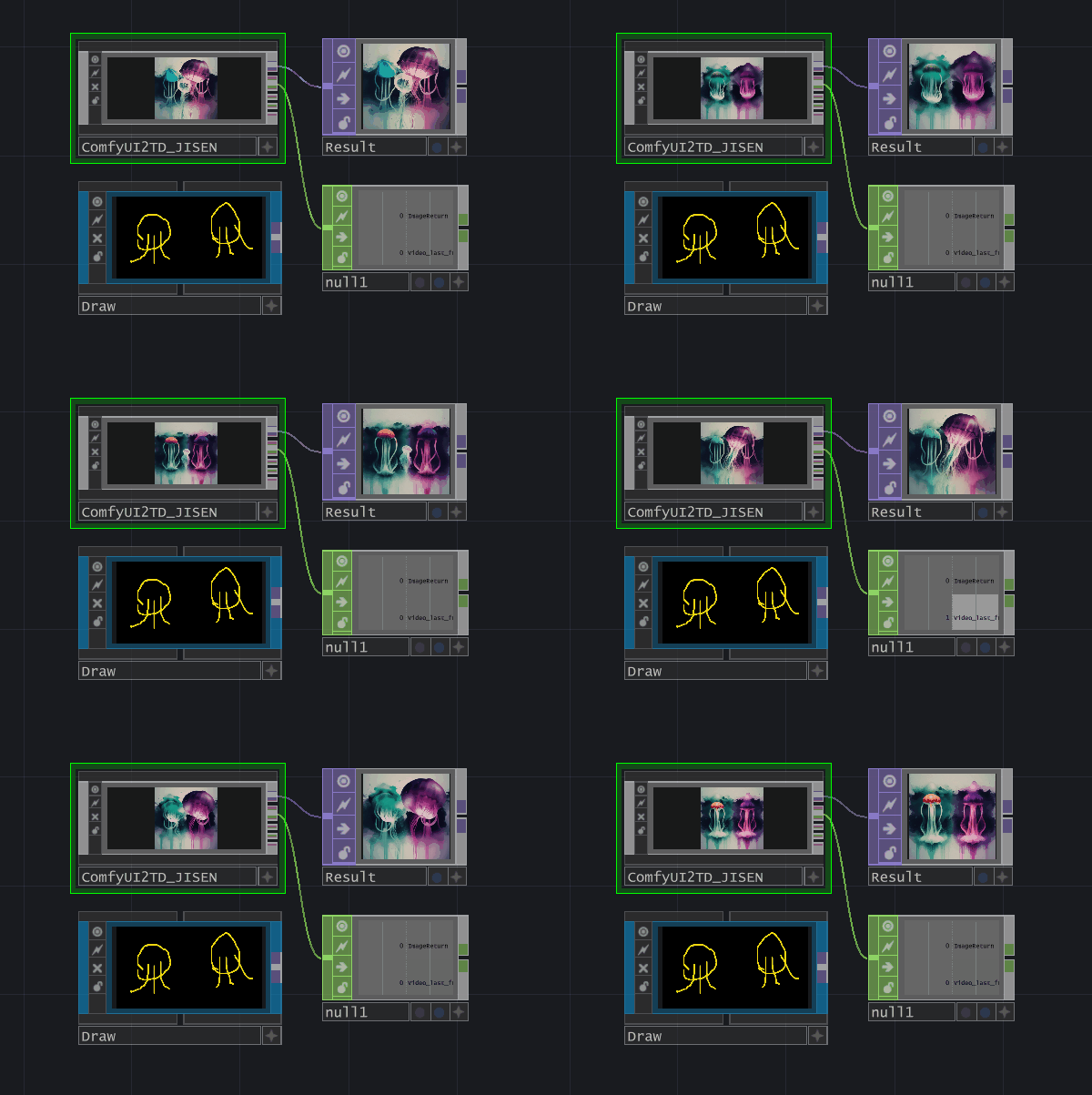
Transfer video and audio output for live visuals, playback, and generative systems.
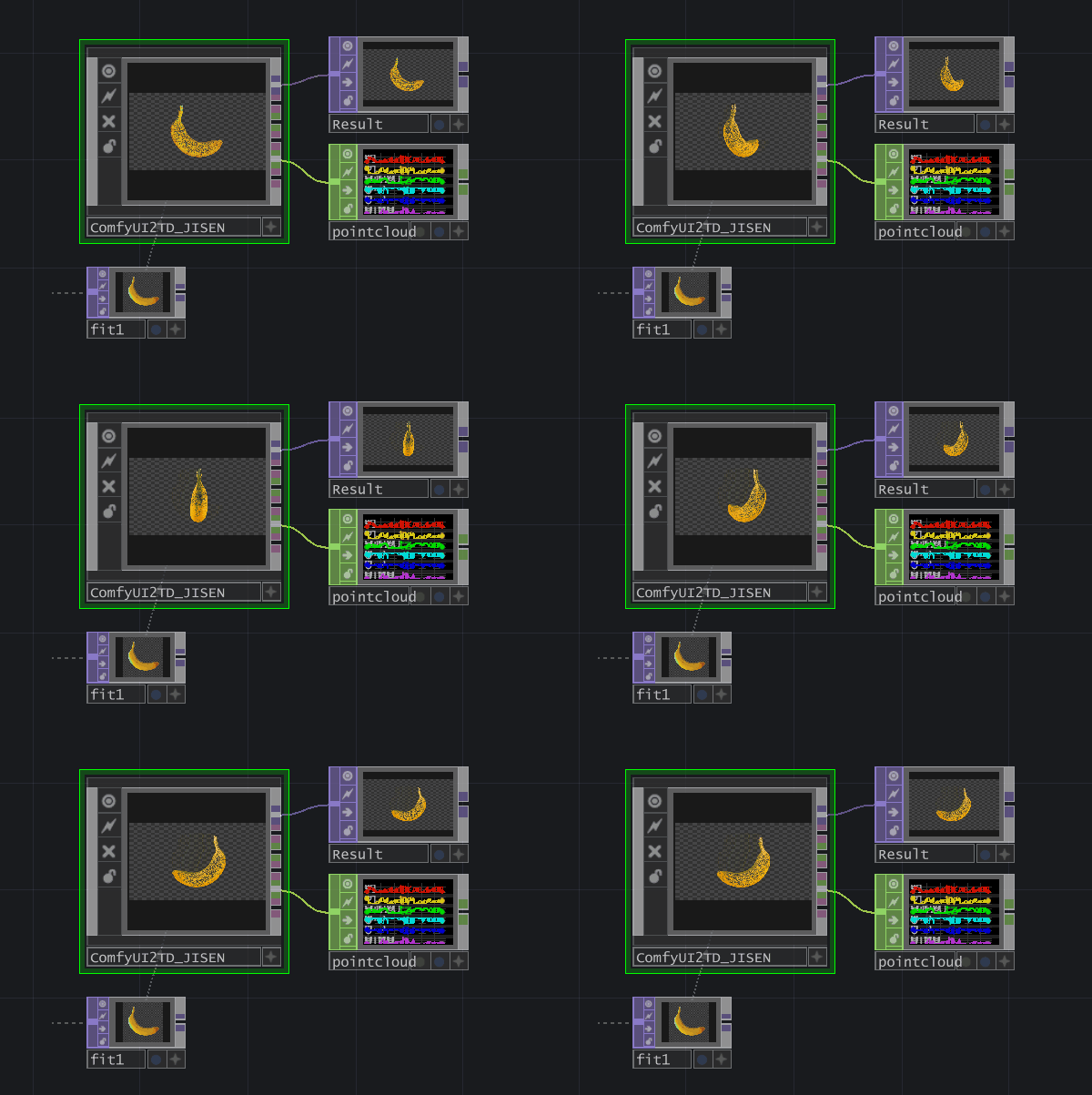
Support traditional point clouds and Gaussian Splatting PLY workflows in TouchDesigner.
ComfyUI-TD must be used together with ComfyUI2TD.tox. Keeping the tox
component updated is recommended.
Search for ComfyUI-TD in ComfyUI-Manager and install it directly.
Copy the project into ComfyUI/custom_nodes.
cd custom_nodes
git clone https://github.com/JiSenHua/ComfyUI-TD.gitCurrent tutorial videos are published in Chinese on Bilibili.
It is a ComfyUI custom node that sends generated media and 3D data into TouchDesigner in real time.
Yes. ComfyUI-TD is designed to work together with the ComfyUI2TD.tox component.
Yes. The project supports image, video, audio, point cloud PLY, and Gaussian Splatting PLY workflows.
Yes. A dedicated Chinese landing page is available at /zh/.
The legacy ComfyUI2TD.tox component was developed from the TDComfyUI project.
Thanks to olegchomp and related contributors.